
DaVinci Resolve: Edit, Color, and VFX for Free
Professional editing, color grading, and effects in free software, with a deep track from a certified trainer.
16h 54m
On-demand video
22
Lessons
Included
Certificate
Mobile & TV
Watch anywhere


Videos are free to watch. This unlocks the certificate, graded exam, and resources.
Watch videos freeOr unlock everything with MegaCourse Pro
This course includes:
- 16h 54m on-demand video (free)
- 22 lessons
- Full lifetime access
- Access on mobile and TV
- Certificate of completion
What you'll learn
- Edit complete videos with Resolve's cut and edit pages
- Color grade footage on the color page with nodes and scopes
- Add effects and motion graphics with the Fusion page
- Clean up and mix audio inside Resolve
- Deliver finished videos with the right export settings
Official study guide
The complete 33-page companion book for DaVinci Resolve: Edit, Color, and VFX for Free, covering every module with worked examples, key terms, self-check questions, and a full glossary. Print it or read it offline.
Course content
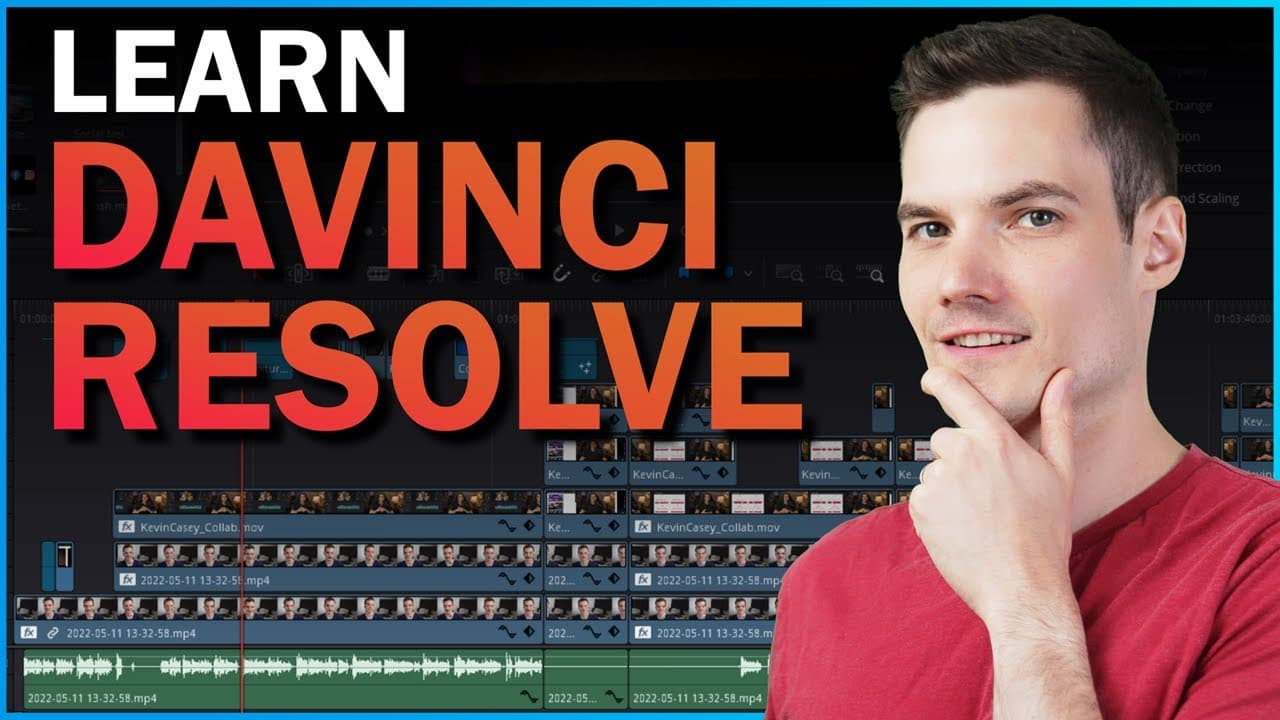
3 sections · 22 lessons · 16h 54m- DaVinci Resolve 18 Tutorial for BeginnersPreview40m
- How to Add Text in DaVinci Resolve13m
- How to use Multicam in DaVinci Resolve12m
- DaVinci Resolve 17 Tutorial for Beginners32m
- 🎬 3 BEST FREE Video Editing Software for PC17m
- BEST FREE Video Editing Software for PC48s
- How to Download DaVinci Resolve for FREE8m
- DaVinci Resolve AI Tools Tutorial23m
Requirements
- •A computer that runs DaVinci Resolve (the free version is fully sufficient)
About this course
Professional editing, color grading, and effects in free software, with a deep track from a certified trainer. This curated learning path is organized into 3 modules and 22 lessons, taught by Kevin Stratvert. MegaCourse upgrades the original 2-section playlist into a complete mega course by adding 6 bonus lessons from Casey Faris, plus structure, learning outcomes, progress tracking, and a shareable certificate of completion.
Who this course is for
- Beginners choosing their first serious video editor
- Editors switching from paid software
- YouTubers and filmmakers on a budget
Instructor
Trusted creator on MegaCourse
Licensing & attribution
License: YouTube Standard License
Source: Base course by Kevin Stratvert. Bonus full-length courses by Casey Faris, a Blackmagic-certified trainer.
Videos are embedded from their original creators and remain free to watch. MegaCourse's paid layer covers our own study guides, graded exams, certificates, and curation.
Students also viewed

Photography & Video
AI Filmmaking: Direct Cinematic Films with AI
Curious Refuge


Photography & Video
Photography Fundamentals
Photography Educators

Photography & Video
Studio Lighting Masterclass
Visual Education

Photography & Video
30 Days of Lightroom
PHLEARN