
Live Streaming Bootcamp: OBS to Audience
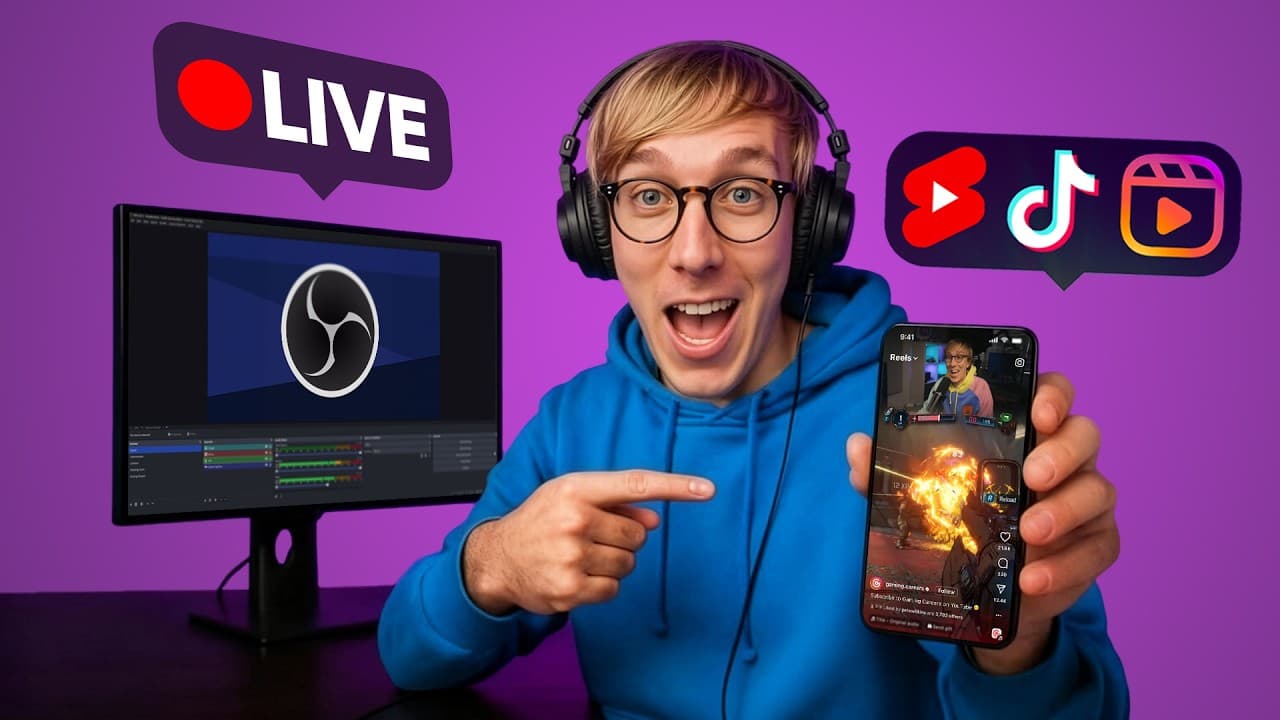
Master OBS Studio - scenes, overlays, alerts, and encoder settings - then grow a live audience on Twitch and YouTube.
11h 32m
On-demand video
57
Lessons
Included
Certificate
Mobile & TV
Watch anywhere

Videos are free to watch. This unlocks the certificate, graded exam, and resources.
Watch videos freeOr unlock everything with MegaCourse Pro
This course includes:
- 11h 32m on-demand video (free)
- 57 lessons
- Full lifetime access
- Access on mobile and TV
- Certificate of completion
What you'll learn
- Set up OBS Studio properly: scenes, sources, audio routing, and hotkeys
- Build professional overlays and alerts without paying a designer
- Choose encoder and bitrate settings that match your hardware and connection
- Stream to Twitch, YouTube, or both, and understand the trade-offs
- Grow concurrent viewers and convert them into subs, bits, and members
Official study guide
The complete 65-page companion book for Live Streaming Bootcamp: OBS to Audience, covering every module with worked examples, key terms, self-check questions, and a full glossary. Print it or read it offline.
Tools & technologies
Industry-standard tools you'll work with in this course.
YouTubeCourse content
8 sections · 57 lessons · 11h 32m- The Ultimate OBS Setup for Vertical ClipsPreview15m
- Why Your Twitch Stream SUCKS (and how to FIX it)10m
- HUGE UPDATE for Stream Deck and OBS!4m
- How To Show Chat Messages On Stream7m
- How To SWITCH From Streamlabs to OBS Studio + StreamElements8m
- Separate Game Audio, Discord, Music in OBS5m
- Make Your Microphone Sound PRO in 5 EASY Steps!15m
- The 7 BEST Features For Streamers in OBS Studio V279m
Requirements
- •A computer capable of streaming
- •OBS Studio (free)
About this course
Master OBS Studio - scenes, overlays, alerts, and encoder settings - then grow a live audience on Twitch and YouTube. This curated learning path is organized into 8 modules and 57 lessons, taught by Gaming Careers. MegaCourse adds structure, learning outcomes, progress tracking, and a shareable certificate of completion.
Who this course is for
- New streamers setting up their first broadcast
- Existing streamers fixing audio, encoding, or overlay problems
- Creators adding live content alongside recorded video
Instructor
Trusted creator on MegaCourse
Licensing & attribution
License: YouTube Standard License
Source: Gaming Careers
Disclaimer: Educational content only - building an audience or online income takes sustained work, results vary widely, and nothing in this course guarantees revenue, growth, or brand deals. Platform rules and monetization policies change; always verify current requirements with the platform itself.
Videos are embedded from their original creators and remain free to watch. MegaCourse's paid layer covers our own study guides, graded exams, certificates, and curation.
Students also viewed
Creator Economy
Faceless YouTube Playbook
vidIQ

Creator Economy
The AI Creator Lab
Futurepedia
Creator Economy
The Full-Time Creator: Brand Deals and Beyond
Modern Millie
Creator Economy
YouTube Growth Engine: First 1,000 Subscribers to Monetization
vidIQ