
CapCut Video Editing for Creators
Edit on desktop and mobile with CapCut: cuts, captions, keyframes, AI tools, and the right export settings for every platform.
4h 24m
On-demand video
32
Lessons
Included
Certificate
Mobile & TV
Watch anywhere


Videos are free to watch. This unlocks the certificate, graded exam, and resources.
Watch videos freeOr unlock everything with MegaCourse Pro
This course includes:
- 4h 24m on-demand video (free)
- 32 lessons
- Full lifetime access
- Access on mobile and TV
- Certificate of completion
What you'll learn
- Edit complete videos in CapCut on both desktop and mobile
- Use auto-captions, effects, transitions, and keyframe animation
- Apply CapCut's AI tools where they save time and skip them where they do not
- Export with the correct format and settings for YouTube, TikTok, and Instagram
- Build an editing workflow fast enough to sustain a posting schedule
Official study guide
The complete 32-page companion book for CapCut Video Editing for Creators, covering every module with worked examples, key terms, self-check questions, and a full glossary. Print it or read it offline.
Course content
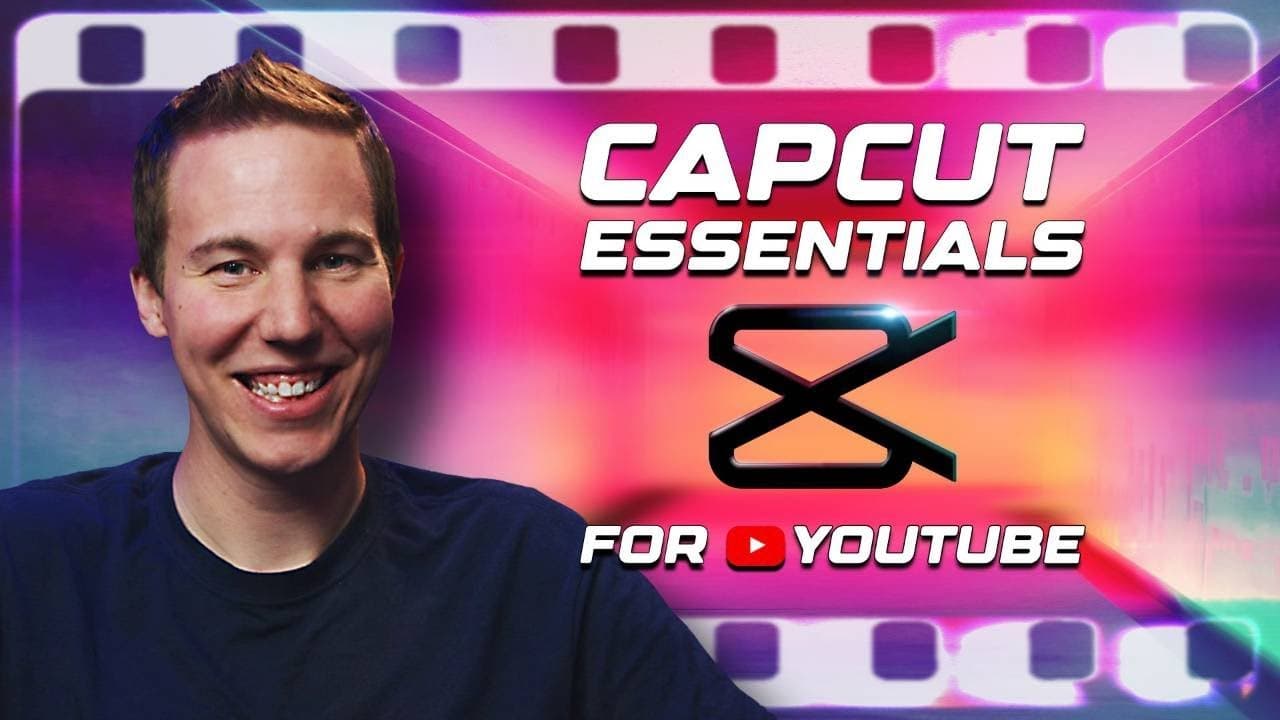
4 sections · 32 lessons · 4h 24m- CapCut Essentials for YouTubePreview1m
- WATCH THE VIDEO - This is What We'll Make in This Course!3m
- 02 - CapCut Overview6m
- 03 - Essential Settings5m
- 04 - Interface4m
- 05 - Basic Controls and Getting Started8m
- 06 - Editing Clips in the Timeline12m
- 07 - Sample Story15m
Requirements
- •CapCut installed (free) on desktop or phone
About this course
Edit on desktop and mobile with CapCut: cuts, captions, keyframes, AI tools, and the right export settings for every platform. This curated learning path is organized into 4 modules and 32 lessons, taught by Kevin Stratvert. MegaCourse adds structure, learning outcomes, progress tracking, and a shareable certificate of completion.
Who this course is for
- Creators who want fast, capable editing without a paid suite
- Short-form creators editing on their phone
- Beginners intimidated by traditional editing software
Instructor
Trusted creator on MegaCourse
Licensing & attribution
License: YouTube Standard License
Source: Kevin Stratvert
Videos are embedded from their original creators and remain free to watch. MegaCourse's paid layer covers our own study guides, graded exams, certificates, and curation.
Students also viewed


Creator Economy
Faceless YouTube Playbook
vidIQ
Creator Economy
Live Streaming Bootcamp: OBS to Audience
Gaming Careers

Creator Economy
The AI Creator Lab
Futurepedia

Creator Economy
The Full-Time Creator: Brand Deals and Beyond
Modern Millie